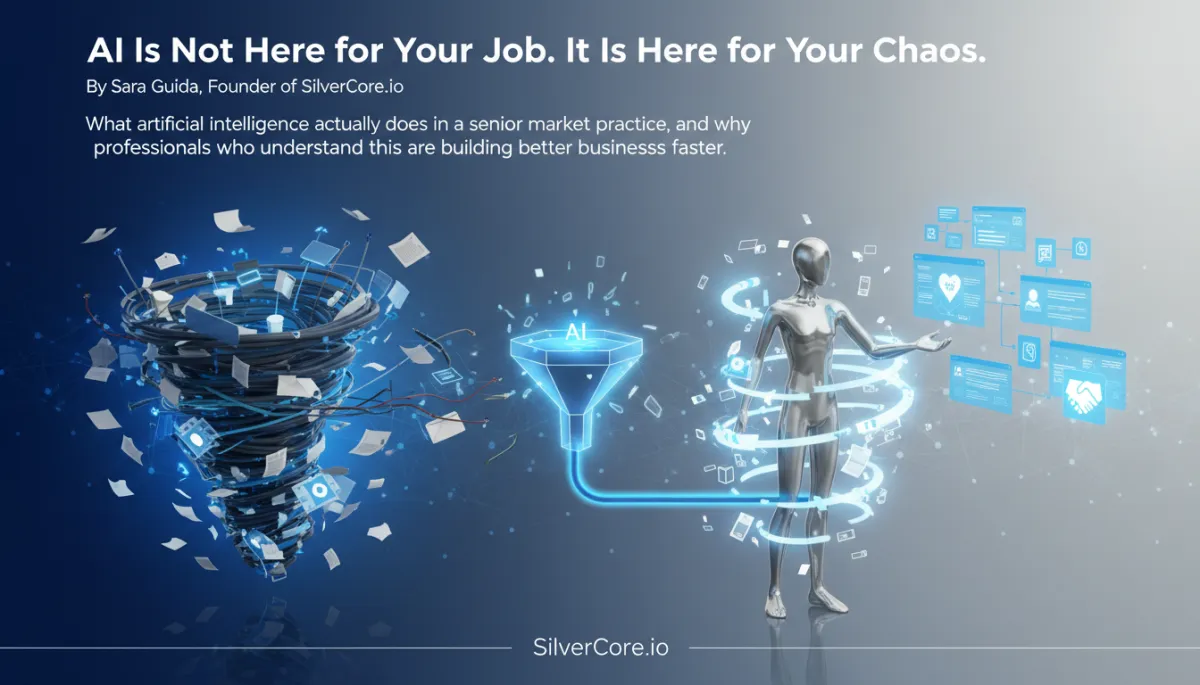
AI: Transforming Senior Market Practices
AI tools, Senior market, Business automation, Client relationships
AI Is Not Here for Your Job. It Is Here for Your Chaos.
What artificial intelligence actually does in a senior market practice—and why the professionals who understand this are building better businesses faster.
The real fear—and the real opportunity
I had a client tell me she was afraid of AI. Not afraid of robots taking over the world—but afraid that the families she serves, elderly adults in some of the most vulnerable moments of their lives, would end up talking to a bot instead of a person. She wanted to hear the hesitation in a daughter’s voice, notice the silence after the word “dementia,” respond with real empathy. She was absolutely right about that need—and completely wrong about the threat.
In a senior market practice, AI is not here to replace the advisor, planner, or placement specialist. It is not here to make clinical decisions, deliver legal advice, or walk a family through the grief of moving a parent into memory care. Those are human moments—anchored in thirty years of experience, professional judgment, and genuine compassion. AI cannot and should not touch that part of the work.
What AI can do—reliably, repeatedly, and at 11:30 pm—is answer the inquiry that lands on your website. It can send the follow-up that you meant to send but didn’t get to. It can confirm the appointment so the family actually shows up. It can triage the inbox that currently eats your Tuesday morning before you have spoken to a single client. The fear is pointed at the wrong target. The opportunity is sitting exactly where the chaos lives.
📌 Key Takeaway: AI does not replace the professional—it replaces the chaos that keeps the professional from doing their best work.
What AI tools for service businesses actually do
As a senior software engineer, I think of AI tools for service businesses as highly opinionated systems for handling volume—messages, appointments, reminders, FAQs—without demanding more of your time. In senior-focused practices, that usually looks like an AI virtual receptionist layered on top of a CRM and communication stack:
Website chat and form intake that responds within 60 seconds, 24/7.
Automated SMS and email follow-up sequences for new leads and dormant prospects.
Scheduling and reminder workflows that dramatically reduce no-shows.
FAQ handling for common, low-complexity questions—office hours, directions, basic service descriptions.
McKinsey’s 2025 State of AI survey found that the highest-impact use cases for small and mid-sized service businesses are exactly these kinds of customer communication, lead management, and scheduling automations—not complex decision-making engines. The firms that win are the ones that let AI handle the high-volume, low-judgment work and keep humans squarely in charge of judgment and relationship.
Highest-impact AI applications in senior market practice
In the senior market, the leverage points are clear. The practices I see growing fastest are using AI in four specific areas:
Lead intake: AI captures every inquiry—web, SMS, or voicemail—and logs it into a CRM automatically. No sticky notes, no lost numbers, no “I’ll enter this later.”
First-touch response: A warm, personalized message goes out within 60 seconds acknowledging the situation, setting expectations, and offering a next step—often a short call or a scheduling link.
Follow-up sequences: For 14 days or more, the system sends a thoughtful mix of SMS and email check-ins, reminders, and helpful resources so no family falls through the cracks just because you had a busy week.
Appointment automation: Bookings, confirmations, reminders, and even rescheduling prompts run automatically. When someone no-shows, the system nudges them back instead of relying on you to remember.
Salesforce’s 2024 research on small-business automation found that teams using automated intake and follow-up recovered 8–12 hours per week in administrative time. For a senior market professional billing $150–$300 per hour, that’s $1,200–$3,600 in potential value every week—even if only part of that time converts to billable work or business development.
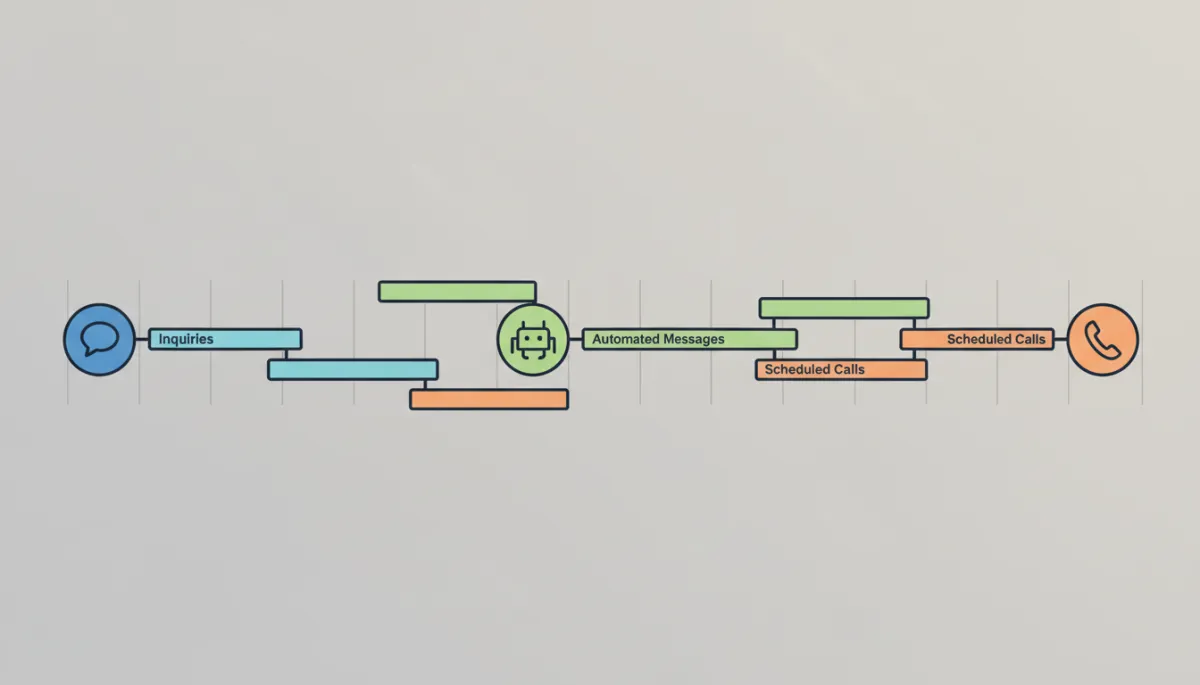
-tone dashboard view showing a unified timeline of senior care inquiries, automated messages,...
Centralizing intake and follow-up turns scattered inquiries into a predictable pipeline.
Automation applied to repetitive tasks—how it actually works
From an engineering perspective, the rule is simple: automate anything that is repetitive, time-sensitive, and does not require your judgment. In code, that often looks like a listener, a router, and a handler. In your practice, it looks like “When a lead submits a form, send a message, create a task, and schedule follow-up.”
Here is a simplified example in Python-style pseudocode of an AI-powered intake workflow you might run behind a platform like SilverCore:
def handle_new_lead(form_payload):
    lead = create_lead_in_crm(form_payload)

    # 1. Generate a first-touch response in your voice
    prompt = f"""
    You are a senior care advisor.
    Write a warm, 3-sentence SMS reply to {lead['first_name']}.
    Acknowledge their situation and invite them to book a short call.
    """
    sms_text = call_ai_model(prompt)

    send_sms(
        to=lead["phone"],
        body=sms_text
    )

    # 2. Enroll lead into a 14-day follow-up sequence
    enroll_in_sequence(
        lead_id=lead["id"],
        sequence_name="intake_followup_14_days"
    )

    # 3. Create a task for the human advisor
    create_task(
        lead_id=lead["id"],
        title="First human call",
        due_in_hours=4
    )
You do not need to write this code yourself—platforms like SilverCore encapsulate this logic behind buttons and configuration screens—but this is what is running under the hood. The AI model drafts the message in your tone; the automation engine takes care of timing, routing, and record-keeping. You stay firmly in charge of the conversations that require nuance and judgment.
💡 Pro Tip: If a task shows up on your calendar more than twice a week and you can describe it in one sentence, it is a strong candidate for automation.
The business case for AI-powered automation in senior practices
Let’s talk numbers. Industry-wide, small businesses are spending roughly $50–$500 per month on AI and automation tools—covering chat, scheduling, CRM, and marketing automation. Many pre-packaged automation setups for service firms, including senior-focused practices, come in well under $500 per month for a fully functional stack. Agency-style “done for you” implementations often start around $499–$999 for setup with optional ongoing support.
Now compare that to the time you currently spend on:
Manually entering lead data into a spreadsheet or basic CRM.
Returning calls from web inquiries that came in while you were with a client.
Sending appointment reminders one by one—or worse, not sending them at all.
Salesforce’s data suggests you can reasonably expect to recover 8–12 hours per week by automating these workflows. McKinsey’s broader AI research notes that high-performing adopters often see several dollars of return for every dollar invested in AI. In a senior market practice, that return shows up as:
Higher lead conversion because no inquiry is ignored or delayed.
More consistent client experience—families feel seen and supported from the first contact.
Lower cognitive load for you and your team, which directly improves the quality of your human conversations.
A practical blueprint you can follow
You do not need a computer science degree—or a full-time developer—to put this in place. Here is a simple, engineering-informed roadmap aligned with how platforms like SilverCore work:
Identify your repetitive tasks. List everything you do weekly that is repetitive, time-sensitive, and low-judgment: first-touch responses, reminders, FAQ replies, scheduling confirmations.
Estimate the time cost. Even rough numbers—“3 hours a week on follow-up calls,” “2 hours on data entry”—are enough to build your business case.
Draw the human–AI boundary. Decide in writing: “Everything before the first real conversation can be automated. The first real conversation and every recommendation stays human.”
Start with intake and first touch. Build (or have built) a workflow that responds to every new inquiry within 60 seconds and logs it into your system.
Add a 14-day follow-up sequence. Mix SMS and email, keep the tone human, and invite conversation at every step.
Layer on appointment automation. Integrate your booking tool so confirmations, reminders, and rescheduling prompts happen without you touching a keyboard.
Review quarterly. Look at response times, conversion rates, and hours saved. Refine your workflows the way you would refactor code—small, frequent improvements.
Frequently asked questions from a technical lens
Will clients know they are interacting with automation? Not if it is designed well. What they feel is the speed, relevance, and warmth of the message—not whether a human typed it in real time. A well-tuned AI assistant pulls in their name, the service they asked about, and a tone that matches your voice. That feels like attentiveness, not a script.
What happens when AI does not know an answer? In engineering terms, that is just a routing rule. Messages that match simple patterns—“What are your hours?”—get automated replies. Everything else is escalated, tagged, and turned into a task for you. You define the thresholds; the system enforces them consistently.
Do I need to be technical to set this up? No. Modern senior-market platforms, including SilverCore, are built for non-technical professionals. Under the hood, there is complex logic, but what you see are clear options—“When a new lead arrives, send this message, then wait two days, then send this follow-up.” Most practices get a solid first version running in a few days with guidance.
The close: this is not a compromise—it is a promotion
The client who was afraid of AI told me something else. She had spent the previous week manually entering lead data, returning inquiry calls, and sending reminders—while the families who most needed her expertise waited. “I feel like an administrative assistant to my own practice,” she said. That is the job AI is here to take.
Your clients do not need you inside your inbox. They need you fully present in the conversations that only you can have. AI-powered intake and follow-up automation is how you clear the path—so the system handles the chaos, and you handle the humans.
Stop doing the work a system can do. Start doing more of the work only you can do. That is not surrendering control—that is stepping into the role your practice actually needs from you.
Try this for yourself—without hiring a developer
If you want to see what this looks like in practice—AI as a calm, reliable virtual receptionist for your senior market business—you do not need to read another white paper or spec sheet. You can experience it directly. Visit https://ai.silvercore.io and try the AI on our page. Watch how it handles intake, follow-up, and scheduling logic—then imagine those same systems quietly running behind your own practice while you focus on the conversations that matter most.