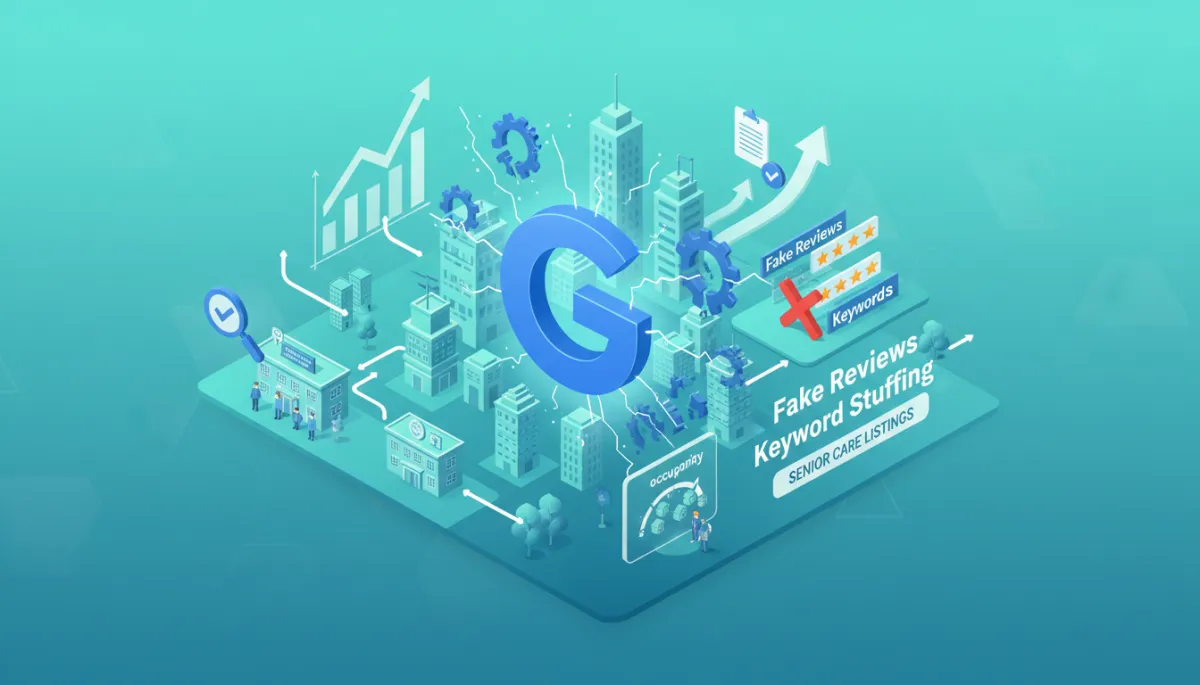
Google Business Profile Crackdown: Stay Compliant
Local SEO, Google Business Profile, Senior Care Marketing
Talking Point: The Google Business Profile Crackdown Is Happening Right Now
If your leads, tours, or move-ins depend on Google Maps, the current Google Business Profile crackdown is not just a tech issue—it’s an occupancy impact issue. Let’s walk through a simple tactical framework so you can stay compliant, protect revenue, and keep your rooms and appointment books full.
A Tactical Framework: Protect, Monitor, Recover
Think of your Google Business Profile like your digital front door. Our framework for businesses and agencies has three pillars:
Protect: Get every listing compliant before Google’s AI flags it.
Monitor: Watch for risk signals—edits, review patterns, and policy alerts.
Recover: If you’re suspended, respond with documentation and a clear story.
💡 Pro Tip: Assign a single “owner” for GBP compliance across all locations—especially important for multi-site senior care listings.
Step-by-Step Compliance Actions You Can Take This Week
Clean up your business name. Remove keyword stuffing like “Sunrise Memory Care – Best Senior Care Facility Near Me.” Use your legal or signage name only. Keyword-stuffed names are a top trigger for “deceptive content” suspensions.
Lock in your NAP data. Confirm that name, address, and phone match licenses, website, and directories. For senior care listings, be sure the physical address matches what families see on your signage and brochures.
Audit reviews for risk. Stop any practice that could look like fake reviews: incentives, review kiosks at the front desk, or asking families to mention specific staff by name. Google has explicitly tightened enforcement here in 2026 (see DAC Group and BrightLocal reporting).
Refresh your profile weekly. Add new photos, update hours, and post short updates. Google now rewards “freshness,” and inactive profiles can quietly slide down the rankings—long before a suspension hits.
Prepare a reinstatement kit. Collect licenses, utility bills showing the business name, exterior signage photos, and a short script for video verification. When mass algorithmic sweeps happen, this kit speeds up your appeal.
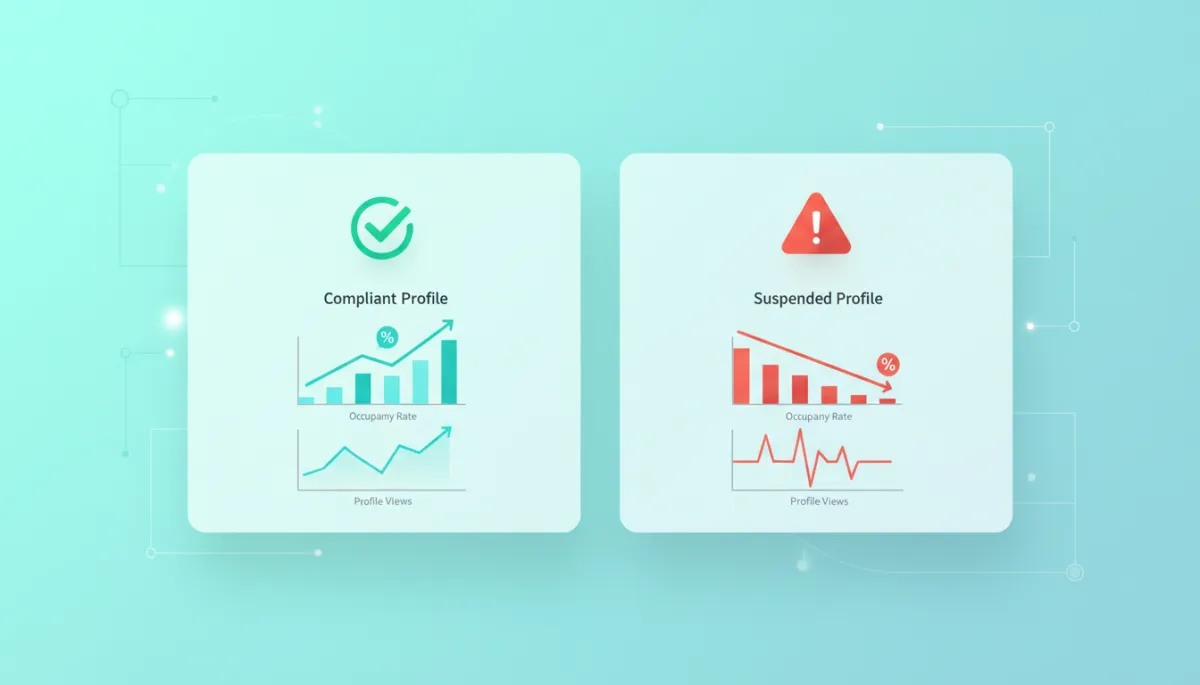
A single suspended profile can slash tour requests and occupancy within weeks.
The Real Business Outcome: Occupancy Impact of Suspension
When a listing disappears from Maps and local search, families don’t just “try harder” to find you—they click a competitor. For senior living and home care, that means:
Immediate drops in calls, form fills, and tour requests.
Fewer move-ins, slower waitlist growth, and lower census.
Longer recovery time even after reinstatement, because rankings and trust take time to rebuild.
BrightLocal and others have shown that a suspended profile can cause a steep decline in visibility and inquiries. For communities already operating below target census, that occupancy impact quickly turns into real revenue loss.
📌 Key takeaway: Treat GBP compliance as a revenue protection project, not just an SEO chore.
Turn Compliance into a Competitive Advantage
Agencies and operators who get ahead of these compliance actions are already winning. Clean, active, policy-safe profiles rise while spammy or neglected listings sink or disappear. For senior care listings, that can mean owning the “near me” results when families are searching in crisis.
If you’d like a guided audit of your Google Business Profile portfolio—plus a clear plan to reduce suspension risk and protect occupancy—let’s talk. Book a call or watch a quick demo to see how we help businesses and agencies stay compliant, visible, and fully booked. Book a demo at silvercore.io