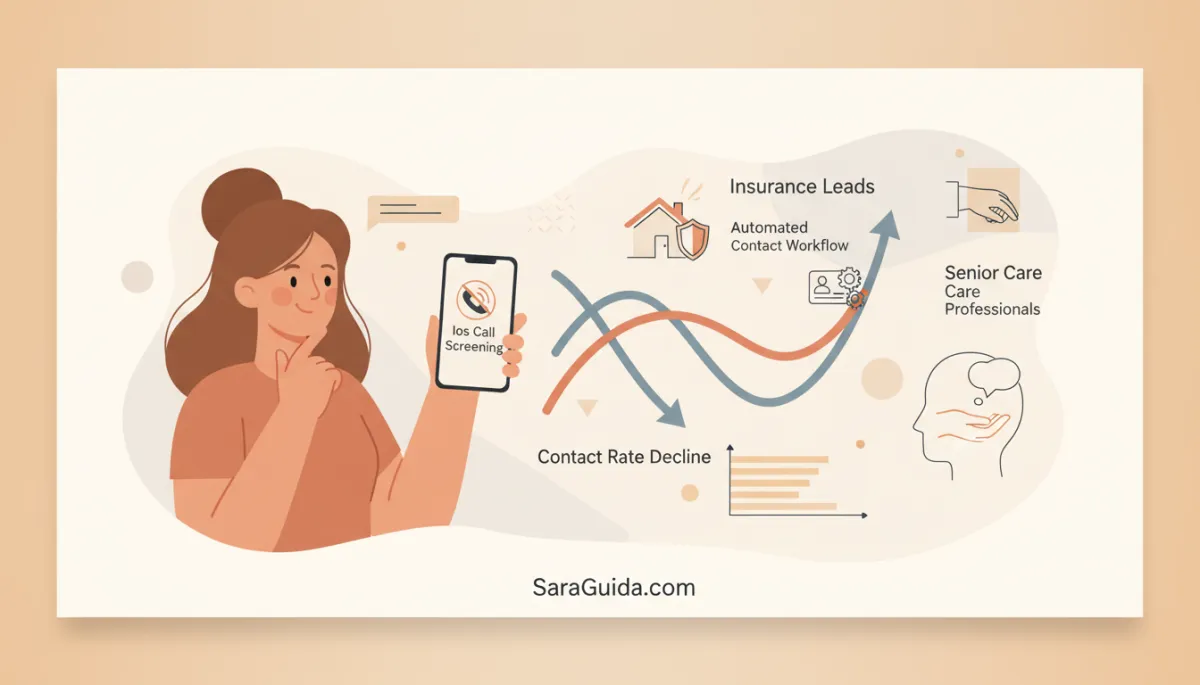
Fix iOS Call Screening Impact on Contact Rates
Marketing, iOS Call Screening, Insurance, Senior Care
How iOS Call Screening Quietly Broke Your Contact Rates (And How We Fixed It)
A friendly breakdown of why your phones suddenly “went quiet” — and the simple automated contact workflow that brings your numbers back within a week.
I want to tell you about something I noticed during a call with a client last month on SaraGuida.com. It started like so many conversations with Insurance Leads and Senior Care Professionals do: “Sara, our ads are working, our forms are filling, but people just stopped picking up the phone.”
At first, we assumed the usual culprits — bad list quality, a weaker offer, maybe even seasonality. But the numbers didn’t add up. Lead volume was steady. Demographics were on target. The real problem was a sharp Contact Rate Decline, not a decline in prospects themselves. The people were there; our calls just weren’t getting through.
The Hidden Culprit: iOS Call Screening
During that client conversation, we dug into the data by device. That’s when the pattern jumped out: contact rates had dropped most sharply among iPhone users right after a major iOS update. Features like Ios Call Screening and “Silence Unknown Callers” were doing exactly what Apple promised — quietly protecting users from spam — but they were also silently filtering calls from your teams, because your numbers weren’t in the contact list yet.
On paper, your campaigns still look healthy. Form fills, quote requests, and care inquiries keep coming in. But in reality, iOS is sending your outbound calls straight to voicemail or into a call log most people never check. That’s why so many insurance agencies and senior care organizations are seeing a sudden Contact Rate Decline without any obvious drop in Prospect Engagement on the front end.

iOS quietly screens unknown callers, so real prospects never hear your phone ring.
It’s Not Your Leads — It’s Your Number
This is especially painful for Insurance Leads and Senior Care Professionals, because your work is time-sensitive and trust-based. Families researching assisted living or long-term care are often juggling emergencies. People shopping for life, health, or Medicare coverage are on tight deadlines. When your first outreach attempt disappears into call screening, you lose momentum and, very often, the relationship.
The good news is that we don’t have to fight iOS. We just have to work with it. Once we realized the issue was unknown numbers, not uninterested prospects, we built an Automated Contact Workflow to introduce your number to the prospect before you ever dial.
The Automated Contact Card Workflow That Fixes Contact Rates
Here’s the simple workflow we now roll out for agencies and communities:
Lead comes in from your form, landing page, or referral partner.
Within seconds, an automated text goes out with your name, role, and a brief note: “Hi Anna, this is Mark from BrightPath Senior Care. I’ll call you from (555) 123‑4567 in a few minutes about your tour request. Save this contact so you know it’s me.”
That text includes a contact card (vCard) with your name, organization, and phone number, so the prospect can save you in one tap.
Only after that do your agents place the first call — now from a recognized, trusted contact, not a random unknown number.
When we implemented this Automated Contact Workflow for that first client, their iPhone answer rates bounced back within a week. The volume of Prospect Engagement hadn’t changed — we simply stopped letting iOS treat them like spam.
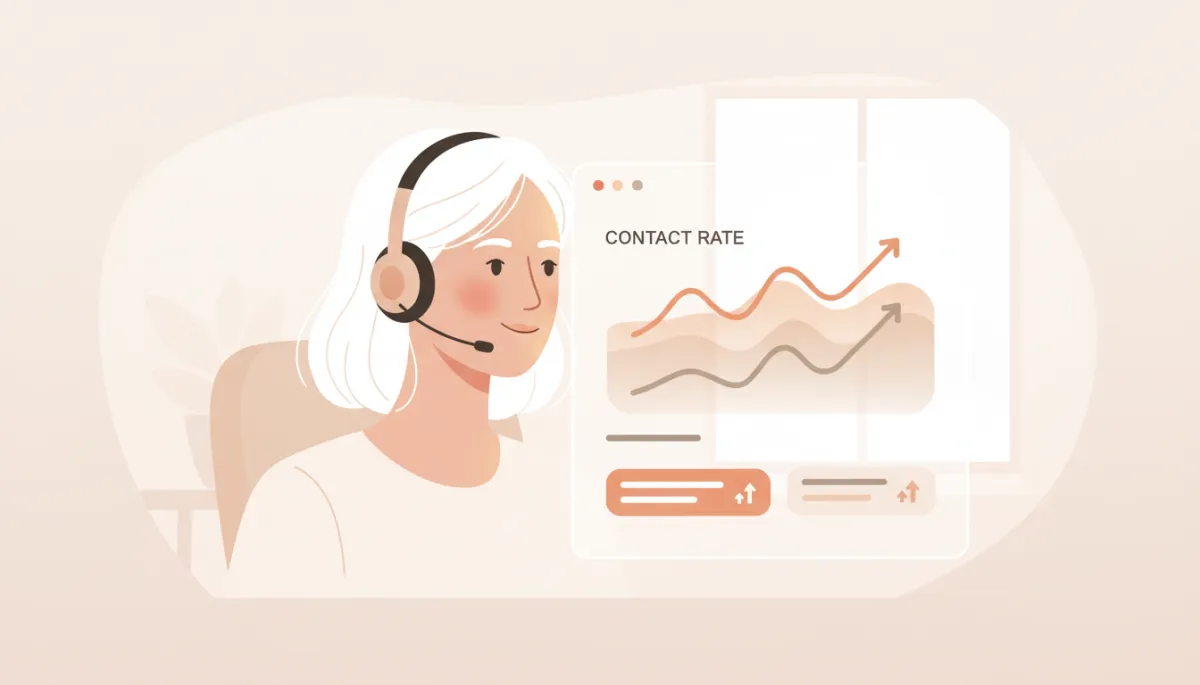
A simple contact card workflow can restore lost contact rates in just days.
What This Means for Insurance and Senior Care Teams
If you’re leading a sales team, running a placement agency, or managing a senior living community, this isn’t just a technical tweak — it’s a revenue and care issue. Every missed connection is a family that waits longer for support, or a policy that never gets written. By respecting how Ios Call Screening works and designing around it, you protect your marketing investments and the people you’re trying to serve.
💡 Friendly Tip: Audit your calls by device type. If iPhone answer rates are lagging behind Android, you’re almost certainly being filtered.
How to Move Forward (And When to Get Tactical)
On SaraGuida.com, I usually share stories like this so you can see the “why” behind the tactics. But if your current call-to-action is to “book a call” with your own prospects, your opening with them should be much more direct and tactical — the way we structure it at SilverCore.io. Lead with the outcome (“We’ll help you reach more qualified families this week”), then plug in the contact card workflow as a concrete step in your playbook.
If you’re ready to stop losing good leads to silent filters — especially in insurance and senior care — this is the place to start: make sure your number is welcome on their phone before you ever call. Your contact rates, and your future clients, will thank you.
Book a Demo with https://silvercore.io/