Unlock AI Success with Smart Workflow Design
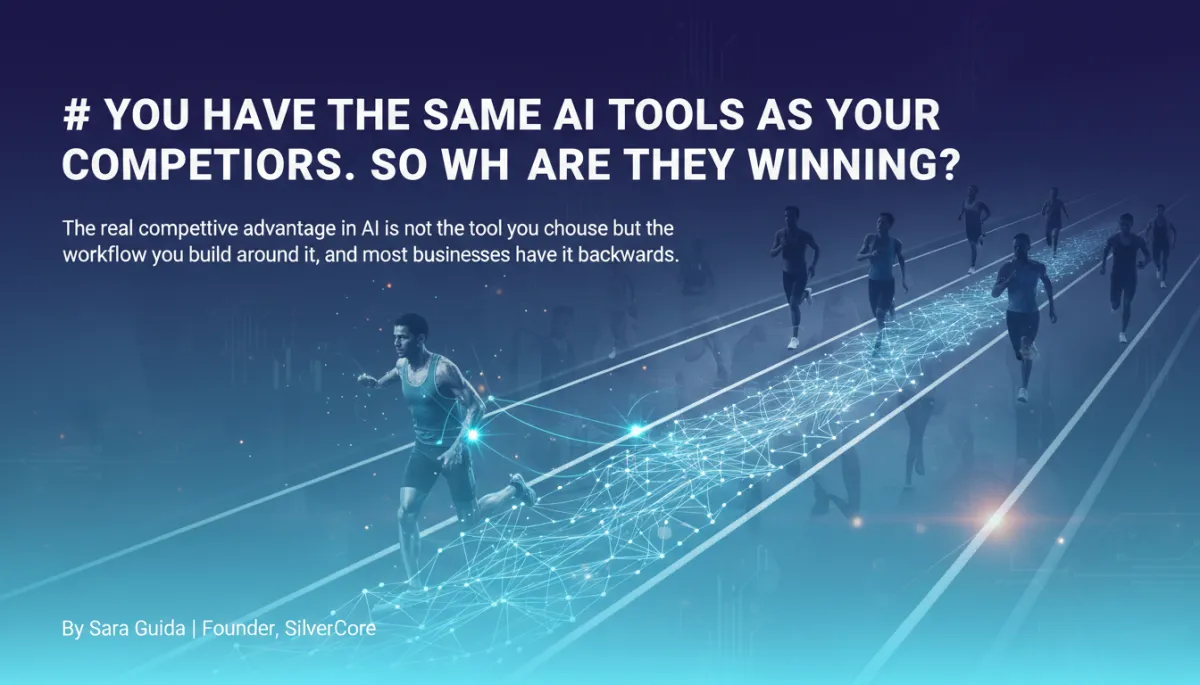
You Have the Same AI Tools as Your Competitors. So Why Are They Winning?
The real competitive advantage in AI is not the tool you choose but the workflow you build around it, and most businesses have it backwards.
By Sara Guida | Founder, SilverCore
"We tried AI. It did not work for us."
I hear this from business owners every week. And almost every time, I ask the same follow-up question: what workflow were you running it inside?
The answer is almost always some version of "we used it for writing" or "we had it handle our chatbot." And my next question tells the story: "Did you redesign the process before you added the AI, or did you add the AI to your existing process?"
The silence is the answer.
AI does not work in isolation. It works inside a system. And the quality of that system determines everything. A powerful AI inside a weak workflow produces mediocre output at scale. A simple AI inside a well-designed workflow produces consistent, leveraged results. The competitive advantage in AI in 2026 is not which model you use. It is the quality of the workflow that model lives inside.
Key Takeaways
The workflow is the product. AI is the labor that executes it.
Companies implementing AI within well-designed workflows report efficiency improvements of 40%+ and cost reductions of 20-30%.
The most common AI failure mode is not tool error but input design error: poor workflow design produces poor AI output at high speed.
Businesses that mapped their ideal process before deploying AI consistently outperform those that automated their existing process.
AI does not create differentiation. A well-designed, proprietary workflow running on AI creates differentiation that is genuinely difficult to replicate.
The gap between a $5,000/month agency and a $50,000/month agency is almost always found in documented, repeatable, automatable workflow design.
The Problem
Here is the most common AI mistake I see service businesses make.
They buy the tool. They watch a few tutorials. They add it to something they are already doing. And then they wait for it to transform their business.
It does not. Because adding a tool to a broken process does not fix the process. It makes the broken process run faster.

The business that has been manually following up with leads three days after inquiry does not solve its conversion problem by automating three-day follow-ups. It gets worse at the same problem faster. The agency that has been delivering inconsistent client reports does not solve its retention problem by having AI generate inconsistent reports. It generates the same disappointment more efficiently.
AI is a force multiplier. It amplifies what is already there. If what is already there is good, AI makes it great. If what is already there is broken, AI makes the breakage louder, faster, and harder to ignore.
The businesses that have cracked AI ROI did not start with the tool. They started with the question: what does this process look like if it works perfectly every single time? They answered that question completely, documented the answer, and then built AI to execute that documented version.
Not the version they currently run. The version they aspire to run.
That distinction, between automating the current process and automating the ideal process, is where most AI implementations live or die.
The Evidence
The research consistently validates this principle.
Process design, not tool selection, determines AI outcomes. A 2025 analysis of AI workflow implementations across service businesses found that the primary predictor of positive AI ROI was the quality of process documentation before deployment, not the sophistication of the AI tool used. Businesses with clearly documented, standardized workflows before adding AI saw efficiency improvements of 40% or more. Businesses that added AI to undocumented processes saw marginal gains at best.
The fastest-growing agencies are the most systematized. Research tracking agency performance consistently shows a strong correlation between process documentation and revenue. Agencies that can describe their service delivery workflow in precise, step-by-step terms grow faster, retain clients longer, and generate higher margins. The documentation is not the bureaucracy. It is the infrastructure that makes scale possible.
Google Cloud's research on AI agent ROI found that the organizations achieving the highest returns from AI agents had invested significantly in workflow redesign before agent deployment. The paper identified what it called the "redesign prerequisite": the expectation that organizations would achieve the strongest ROI by redesigning operations around AI's strengths rather than using AI to automate legacy workflows unchanged.
The proprietary workflow is the real moat. Multiple technology adoption studies confirm that tools commoditize quickly, but proprietary workflows, the specific sequence of steps, decision logic, and quality standards a business has developed through experience, are durable competitive advantages. When that proprietary workflow runs on AI, it becomes simultaneously faster and harder to replicate. The competitor needs the workflow design, not just the tool.
B2B customer retention data shows that businesses with systematized service delivery retain clients at rates 25 to 35% higher than businesses with ad-hoc delivery. Clients do not just pay for outcomes. They pay for the consistency and predictability that comes from a business that has designed its processes with precision.
The Solution
The path to AI competitive advantage runs through workflow design, not tool selection.
At SilverCore, the process we use with clients always begins the same way: before touching any AI tool, we map the ideal version of the workflow. Not the current version. Not the version that exists on paper. The version that would earn a five-star review from every client, close every qualified lead, and never have a bad day.
We call this the "perfect version exercise." Take any core workflow in your business. Ask: what would this look like if it worked perfectly every single time? What triggers it? What happens in sequence? What does the output look like? How do you know it succeeded?
Most business owners have never been asked those questions about their own workflows. The answer that emerges reveals both what to build and what to stop doing. And when you build AI around that answer, you are not automating mediocrity. You are executing excellence at scale.
The second step is equally important: define what good output looks like before you deploy. AI needs a quality standard to aim for. Without a definition of good, it aims for average. With a precise definition of excellent, it produces excellent results consistently. That definition lives in your workflow documentation and shapes every prompt, every trigger, and every output the AI generates.
The third step is the measurement architecture. Every workflow needs a revenue-connected success metric before deployment. Not "we generated more emails." But "lead-to-appointment conversion improved by this percentage." The measurement system is what tells you whether the workflow is actually performing and what to adjust.
Practical Steps
1. Run the "perfect version" exercise on your top three workflows. For each one, write down what it would look like if it worked perfectly every time without human bottlenecks. Do not describe your current process. Describe the ideal version. This is the document you will build your AI around.
2. Identify the three most common failure modes in each workflow. Every process has specific failure points: the step where delays happen, where quality drops, where clients get confused. Name them explicitly. Then ask whether AI, inserted at that point, eliminates the failure or just makes it happen faster.
3. Standardize before you automate. Run your target workflow manually three times in a row. If you get three different results, you do not have a workflow. You have a habit. Document the standard version until you can execute it consistently before adding AI.
4. Document your quality standard in writing. What does an excellent output from this workflow look like? What would a mediocre output look like? Write both descriptions. This becomes the quality rubric your AI uses to calibrate its output. This is the document most businesses skip and then wonder why results are inconsistent.
5. Choose depth over breadth. Do not deploy AI across ten workflows simultaneously. Deploy it deeply into one workflow, measure results for 30 days, refine until it is working consistently, and then move to the next. Depth in one workflow beats surface-level deployment in ten.
6. Build proprietary prompts and protect them. Your prompts, the specific instructions that produce your specific outputs in your specific voice, are intellectual property. Document them. Improve them over time. They are the code that makes your AI different from your competitor's AI running the same base model.
7. Review workflow performance monthly, not annually. AI-powered workflows improve with attention. Monthly reviews that look at output quality, conversion rates, and client feedback create compounding improvement. Annual reviews find problems too late. Monthly reviews fix them before they cost you clients.
Frequently Asked Questions
Why does workflow design matter more than tool selection? Because every business owner has access to the same AI tools. ChatGPT, Claude, and similar models are available to anyone. What is not available to anyone is your specific workflow design, your quality standards, your decision logic, and your accumulated prompt refinements. The workflow is the proprietary element. The tool is the commodity.
How do I know if my workflow is "good enough" to automate? A good benchmark: if you can explain the workflow to a new team member in writing and they can execute it consistently on the first try, it is ready to automate. If it requires tribal knowledge, ongoing correction, or depends on one specific person's judgment, it needs more documentation work first.
What is the biggest mistake businesses make when adding AI to their workflows? Automating the current version of the process rather than designing the ideal version first. The second most common mistake is deploying without a quality standard, so the AI produces output and no one knows whether it is meeting the bar or not.
How long does it take to see results from workflow-first AI implementation? Businesses that complete the workflow design step before deploying typically see measurable results within 30 to 45 days. The design phase takes longer upfront, but the deployment phase is faster and the results are more consistent than businesses that skip the design and dive straight into tool configuration.
Can this approach work for small businesses without a dedicated operations person? Yes. This approach was designed for service business owners who are doing everything themselves. The workflow documentation discipline actually reduces the owner's mental overhead because it converts tacit knowledge into documented systems that can eventually be handed off, to a team member or to AI.
The businesses that are consistently outperforming their competitors with AI are not doing it with better tools. They are doing it with better thinking.
They asked the harder question. They took the time to design before they deployed. They built quality standards before they automated. And now they have AI systems that produce consistently excellent results because they gave those systems an excellent target to hit.
The tool is available to everyone. The workflow is yours to build.
Stop asking which AI tool is best. Start asking what your best process looks like and how to build AI to execute it perfectly, every time, without exception.
That is where the real advantage lives. And it starts with a piece of paper and a clear question: what does perfect look like here?
Sara Guida is the founder of SilverCore, the CRM and growth system built for service businesses where every lead matters. She works with agency owners, coaches, and service business operators to design AI-powered systems that produce consistent, revenue-connected results. Sara built SilverCore because she kept seeing the same pattern: great businesses losing revenue not because their service was weak but because their systems were. Her work starts with workflow design and ends with compounding growth.